

Medium is a wonderful blogging platform for sharing articles, it provides a great platform for users to reach more audiences. Many brands maintain an account on Medium.com to market their products and brands.
businesses often showcase Medium blogs on their website, by involving some good level coding or time-consuming process. by opting to embed Medium articles on your website you can exhibit Medium articles without any hassle.
Here, you will learn how to embed Medium Article on the website with ease and without any coding.
How to Embed Medium Articles/Blogs on Any Website?
Many social media aggregator tools available on the internet make it easy to embed Medium articles on the website.
Right now so many tools to do it but the Tagembed tool stands as the best. Simply because it helps to aggregate all Medium articles with ease and gives you an unlimited flow of user-generated content on your website. Also, it is a lifetime free tool which means you don’t have to pay anything.
You can quickly add Medium posts on the website using Tagembed, you just need to follow these simple steps:
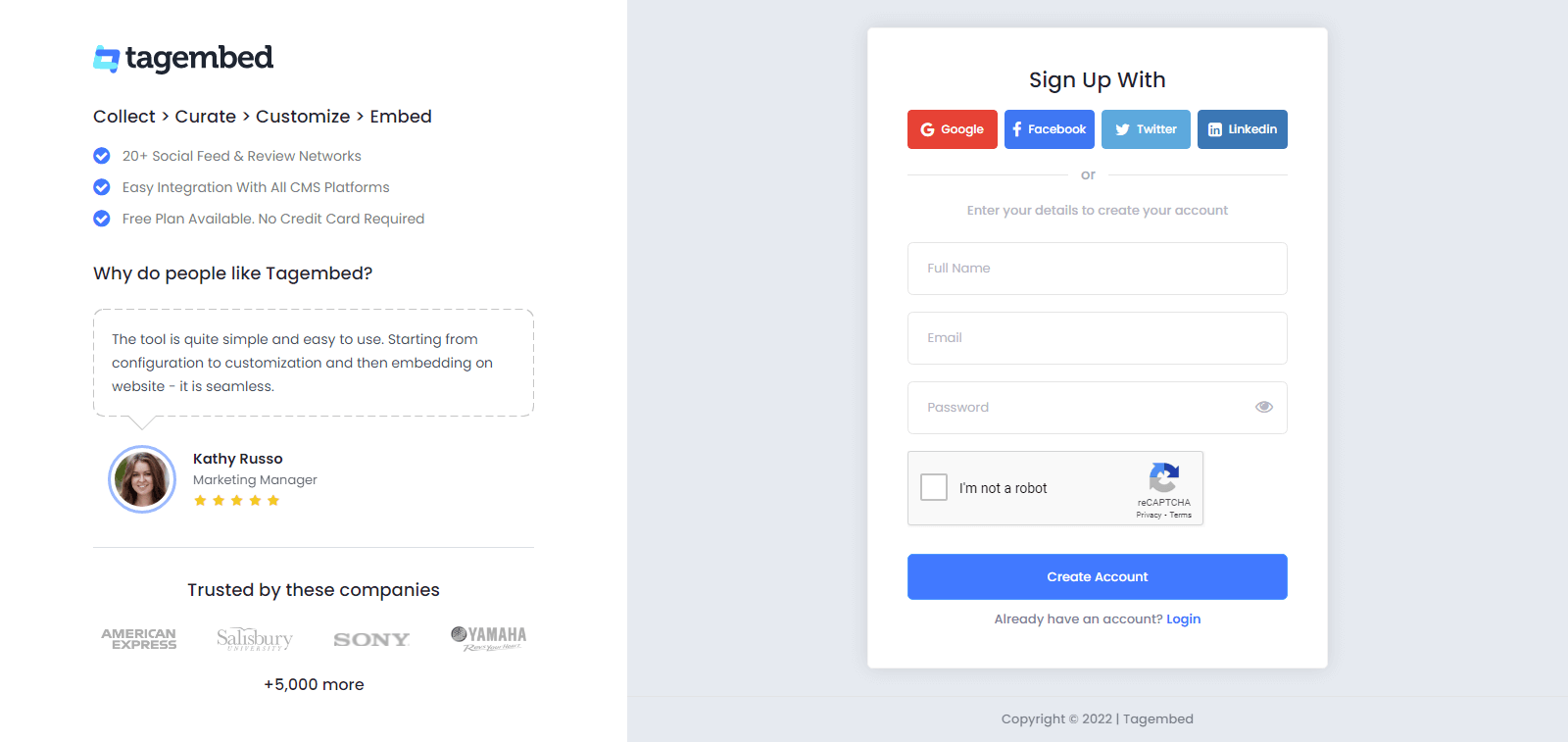
Step-1. Sign up to create a free Tagembed account or log in to your account if you are an existing user.
Step-2. You’ll be redirected to the Tagembed dashboard. The First Widget will be already created for new users, just click on the Open button to proceed
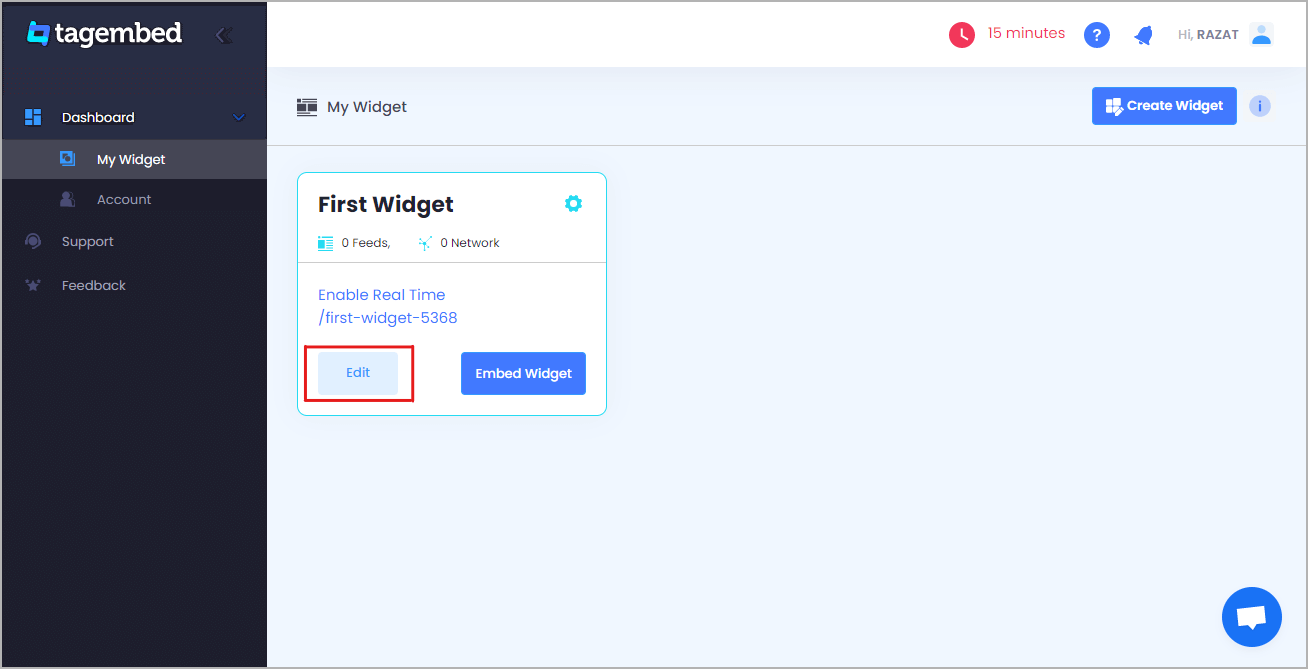
(Note: If you are an existing user, then click on the Create Widget button that appears on the top right corner of the screen. Next, provide the desired name of the widget on the pop-up dialog box and click on Create Widget)
Step-3. A Pick a source window will appear on your screen. Select the RSS widget as your source from the grid of platforms.
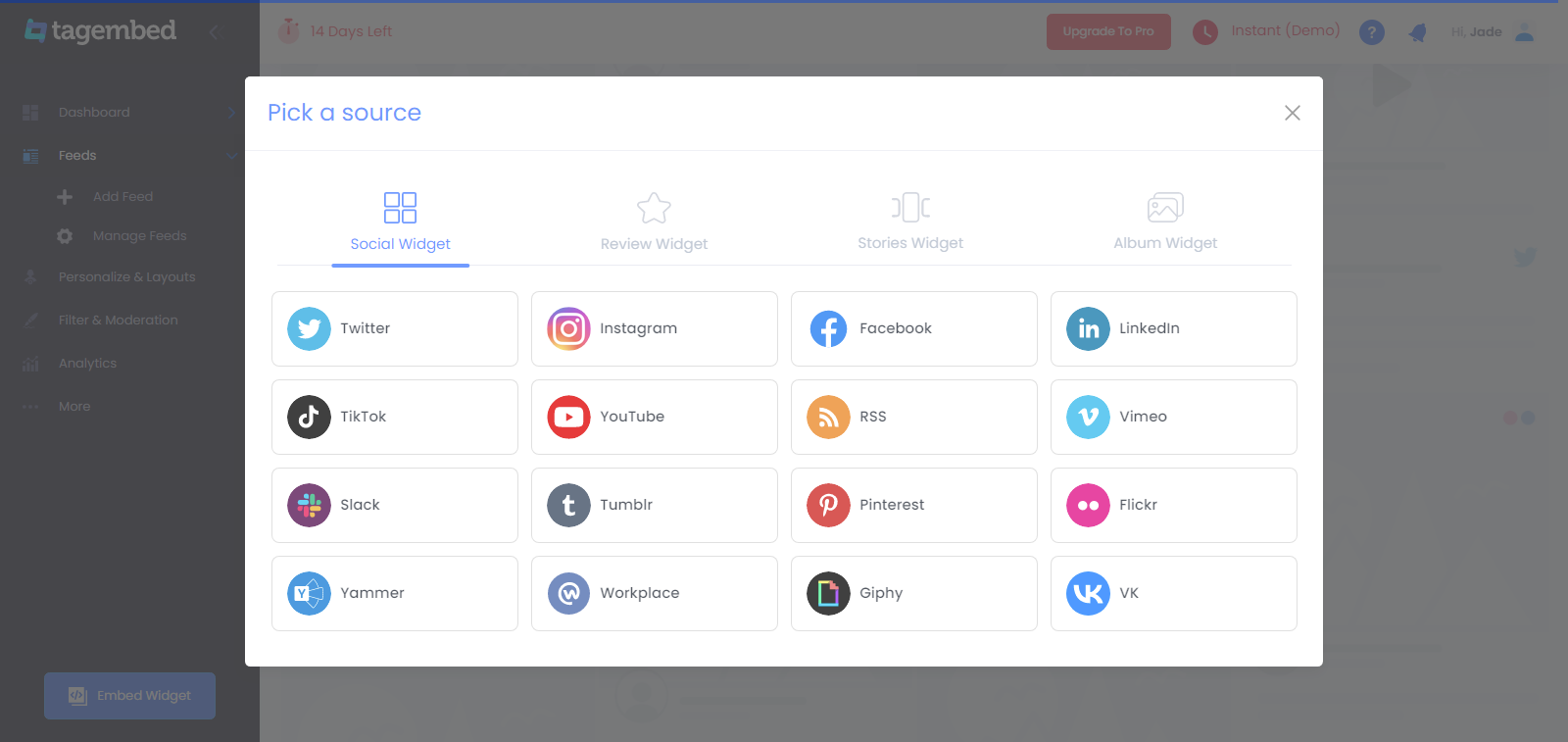
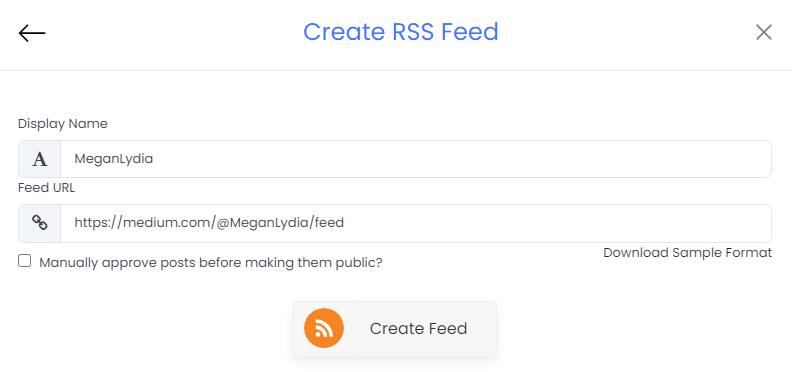
Step-4. A Create Feed dialog box will appear on your screen with 2 input boxes:
- Display Name – Provide the desired name for your post feeds
- Feed URL – Enter the URL of your targeted Medium article feeds

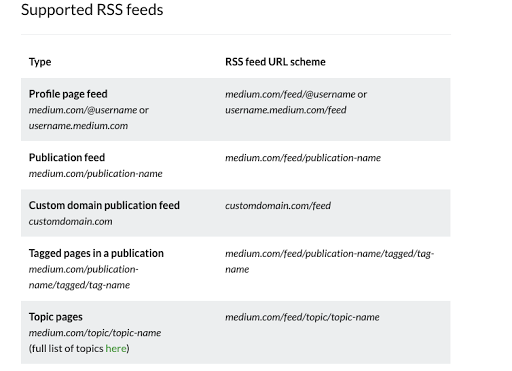
Step-5. Now change the Medium URL into RSS feed URL, you must follow the RSS feed URL scheme mentioned below in this image.
Step-6. Click on the Create Feed button to start aggregation. And within a few seconds, your screen will be loaded with all Medium Blog feeds.
(Tip: You can customize the feed according to your preference by clicking on the Personalize option on the left side of your screen. It allows you to change the Theme, Banners, CTA, Moderation Filter, Background, Font style, Font size of the widget and offers more options. Customization helps you to add charm to your widget and makes it appealing.)
Step-7. Click on the Embed Widget button that appears on the bottom-left side of the screen.

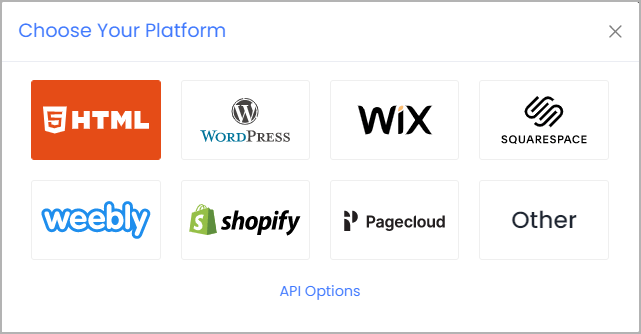
Step-8. Choose Your Platform dialog box will appear on the screen with the list of different website CMS. Select HTML from the given options.
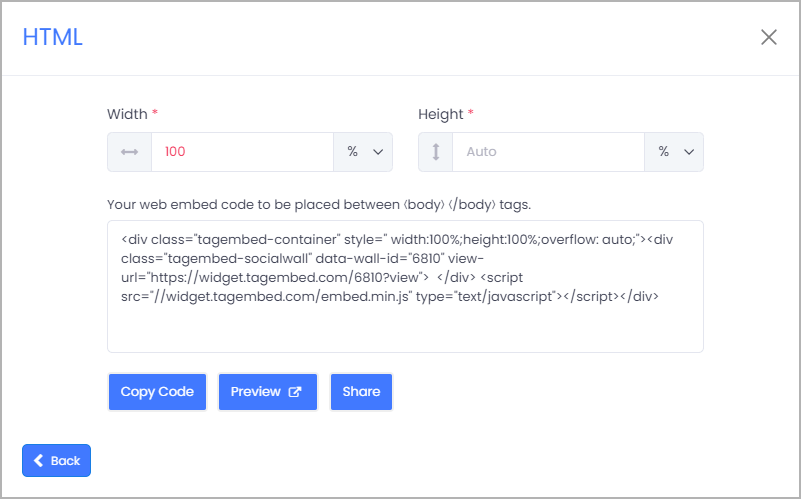
Step-9. Adjust the height & width of the widget and click on the Copy Code button. Paste this code on the website where you want to embed Medium articles on the website.
Great! You have successfully embedded Medium posts on your website.
Final Words
The steps mentioned above are the simplest way to embed Medium articles on your website. The method is time-saving, budget-friendly, and hassle-free.
So the ball is on your court now, hurry up use Tagembed now and embed the medium article on the website without breaking any sweat. Enjoy the free forever plan and various features along with it.
 Social Widget