

Google Reviews are reputation-building blocks of any business brand on digital platforms. Basically, reviews are the most important for the customer’s experience visible and increase the reliability of the brand/product.
Google reviews can be embedded using various website platforms. So, right now so many various tools are available in the market to embed google reviews on the Weebly website.
One of them is the Tagembed Google review widget which allows embedding reviews along with real-time updates. It also offers a variety of moderation and customization options to enhance the look of the feed and filter out irrelevant reviews. It helps you to fetch all Google reviews examples from your GMB and embed them on your Weebly website.

This is my all-time favorite social media aggregator tool. It is an amazing tool providing users with the accessibility to embed google reviews from the various platforms at a time with real-time updates. Also, its moderation panel and profanity filter allow the user to filter the content. Amazing themes helps to design and customize review widget as per website themes.
Try Now This Amazing Tool You Will Easily Display Google Reviews on the Weebly Website With No Coding:
1. Sign Up to create a Free Tagembed account or log in if you already have an account.

2. You’ll be redirected towards the Tagembed dashboard.

3. Your First Widget will be already created, just click on the Edit button to proceed.

4. A dialogue box will appear to “pick a source”, Choose “Google” now
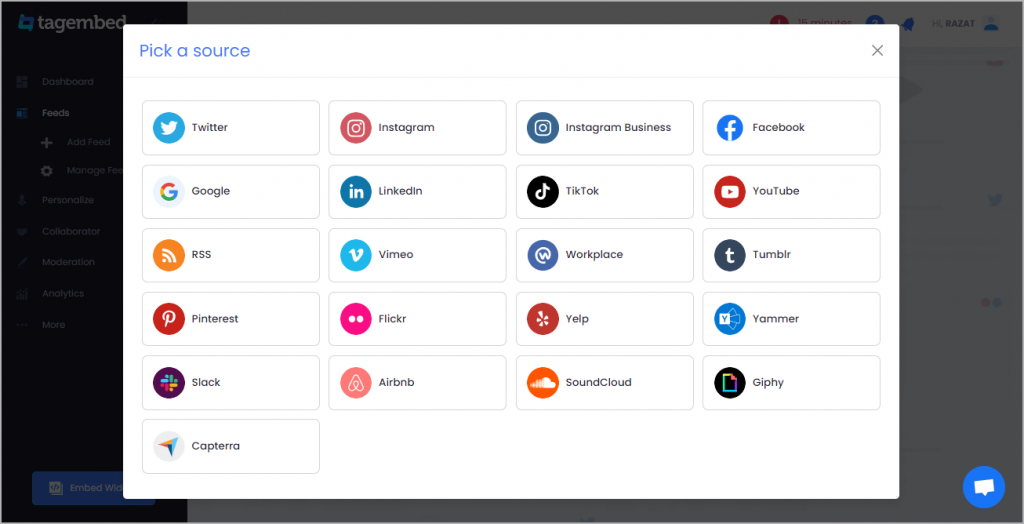
5. You can Create Google Review Widget from the following methods:-
Business Page: To fetch Google Reviews from Business Page enter the Google business page URL
Business Name: To fetch Google Reviews with the help of Place Name enter location and keyword

6. Finally, click on the Create Feed button to start aggregation.
Tip: You can click on the Personalize tab on the left menu panel to change the themes & layout, background, banners, and other dedicated themes settings to make the widget look more appealing and attractive.
7. On the bottom-left menu panel, click on the Embed Widget button as displayed in the below image

8. New pop-up will open with “Choose Your Platform” Now Select “Weebly“

9. Choose Weebly as your website CMS then adjust the height & width of your widget.
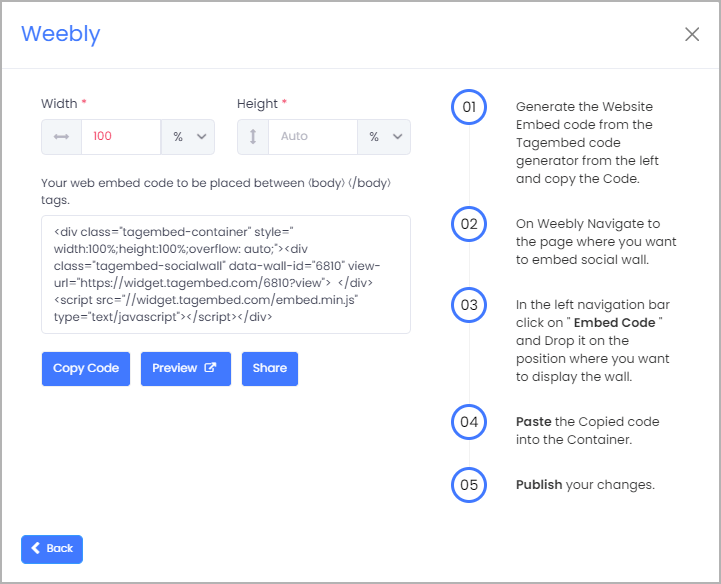
10. Click on the Copy Code button and copy the embed code.
11. Login to the admin account of your Weebly website and navigate to the page where you want to add Google Customer Reviews.
12. Scroll the elements on the left-hand screen to find the Embed Code option. Drag & drop the option on the page where you want to embed Google reviews.

13. A pop-up will appear Edit Custom Weebly click on it too and Paste the embed code into it.
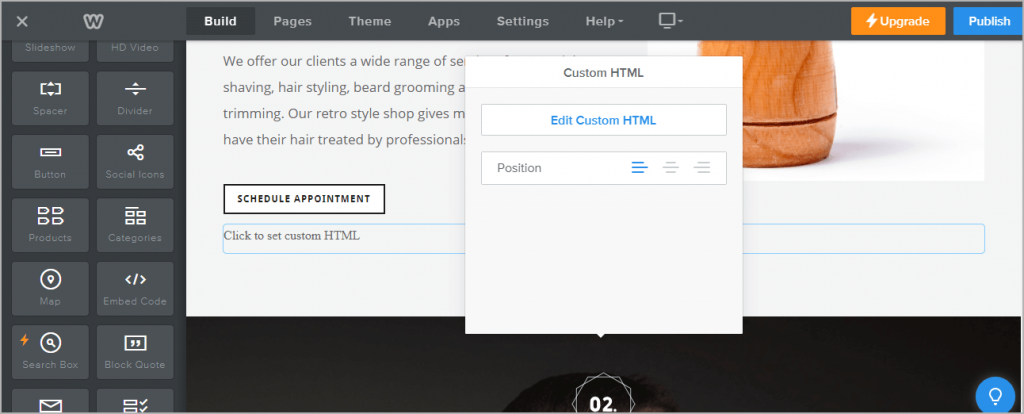
14. Finally, click on the Publish button at the top-right corner to make the changes effective.
Basically, Google reviews widget will help you collect & curate your user reviews into a feed (via Places & My Places) that you can personalize & embed on your Weebly website. It is a specially designed widget for Weebly websites offering Weebly elements & functionalities.
Great! You have successfully Embedded Google Reviews Widget on Weebly website.

 Social Widget